My cameras are 2 eufy Security Indoor Cam E220 and I have done almost everything to make sure the microSD cards I have here work with the cams but it keeps failing to format fully in the end. I have formatted the microSD card, which is SanDisk Ultra microSDXC UHS-1, in my laptop, made sure that the cards are whitelisted according to eufy, but it keeps on failing to format in the end. I have done the solution in here but still didn’t work. Can anyone help me?
4 Likes
Hi, there must be an issue with the SD card then, if both cameras failed to complete the format and then it may be possible that the SD card is not compatible with them.. Though I do see the card you mentioned is compatible..
How many GB is the card, 32 - 64 - 128 GB it can’t be any larger.
This is the SD card I use without any issues.
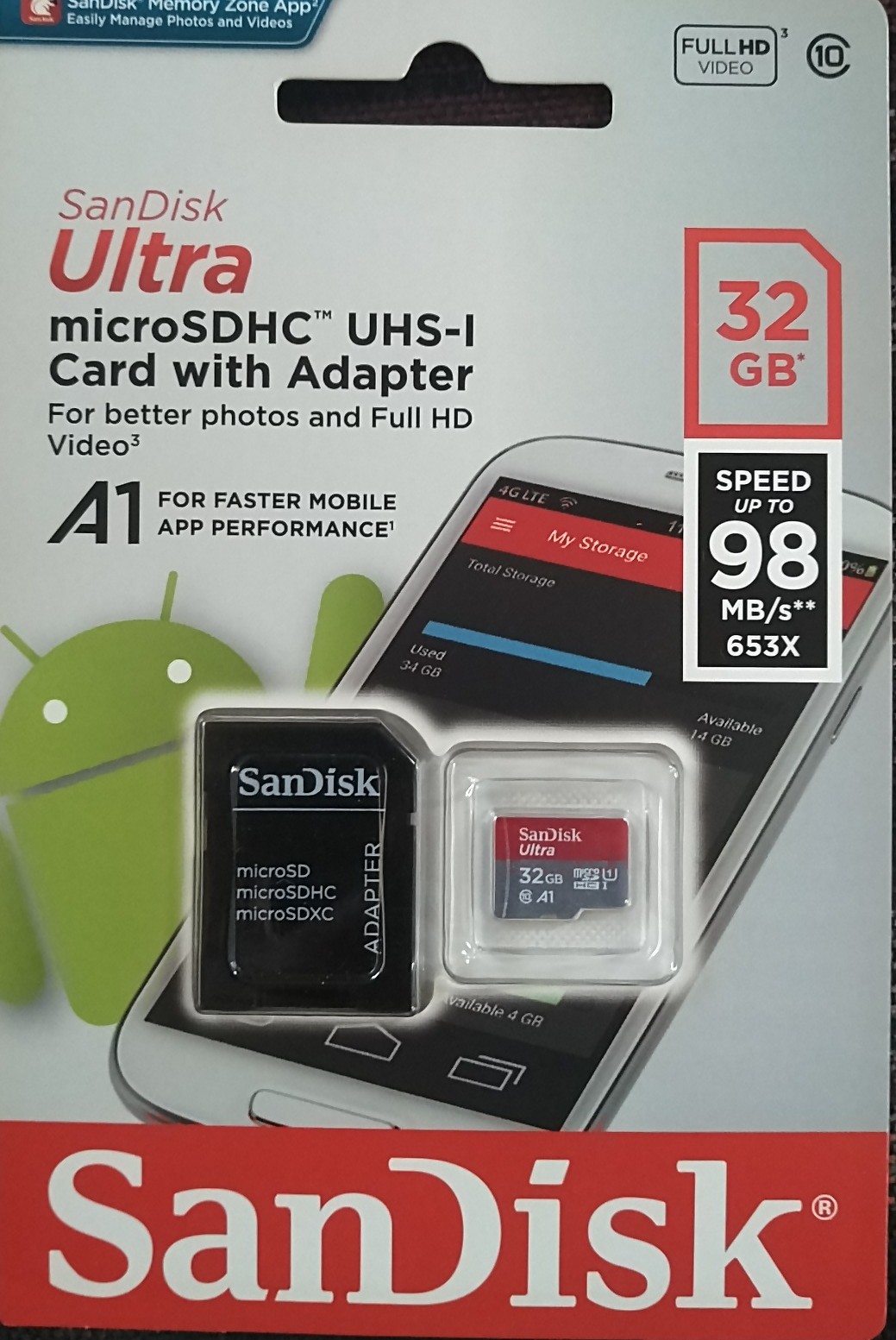
I have the same cards as you do except it’s 128GB, also I just inserted a newly-bought card in the camera and it didn’t format fully. Which is why I’m greatly confused right now, don’t wanna admit that I bought fake microSD cards when I bought it at a reputable store…
I find it strange that both cameras will not complete the format of the SD card. So you also have an microSDHC UHS-l and that’s not working also? Hmmm.
See if there’s a firmware update available for the camera.
Going into the Settings then click on General and then About Device, Check for Firmware Update.
Ok will do ty
Firmware are all updated. I suspect it’s the cards that are the problem. God this sucks
1 Like
I hear ya. Let me know what the outcome is.
Maybe it’s the size of the card in GB, I know eufy says you can use 128 GB but try a smaller size 32 or 64 GB.
Good luck.