
Just follow these three easy steps to enjoy smarter and smoother cleaning in your first week .
 Find the Right Placement for Your Base Station
 Best Spot: Against a wall, with at least 0.5 m of space on both sides and 1 m in front.
 Avoid: Placing under tables, in tight corners, or near curtains, carpets, clutter, or cables.

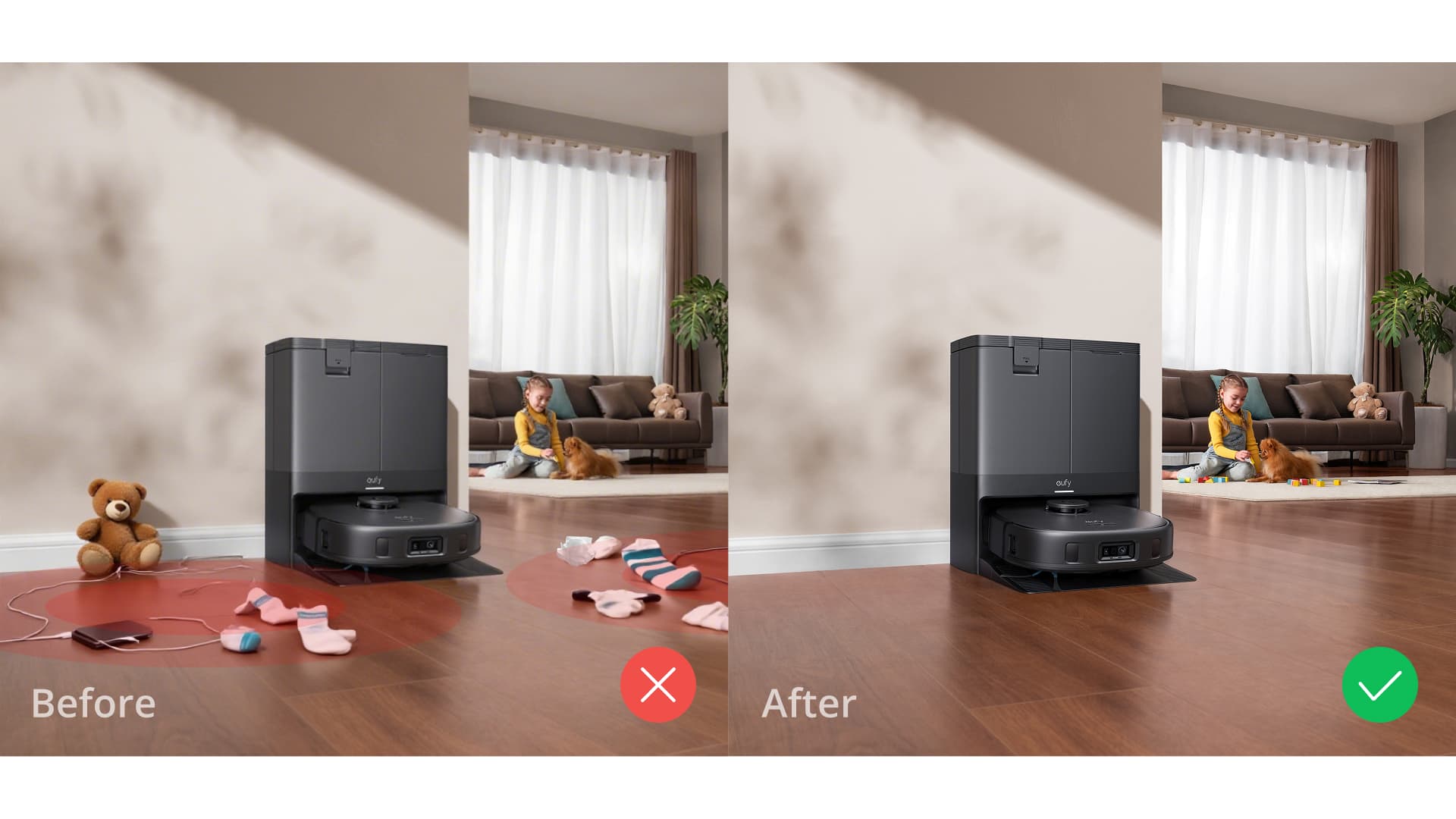
 Remove Clutter Before Cleaning
 Clear the Path: Remove hazards that could block your robot, like toys, cables, slippers, socks, loose rugs, and curled-up mats.
 Arrange Your Furniture: Push in chairs or move a few things aside to give your robot vacuum room to roam.
 Don’t forget to open the doors to any room you want cleaned.
 Set Up No-Go Zones in the App
Recommended No-Go Zones: Areas with lots of cables, children’s play areas, sunken or recessed spaces, and any other places you don’t want the robot to enter.
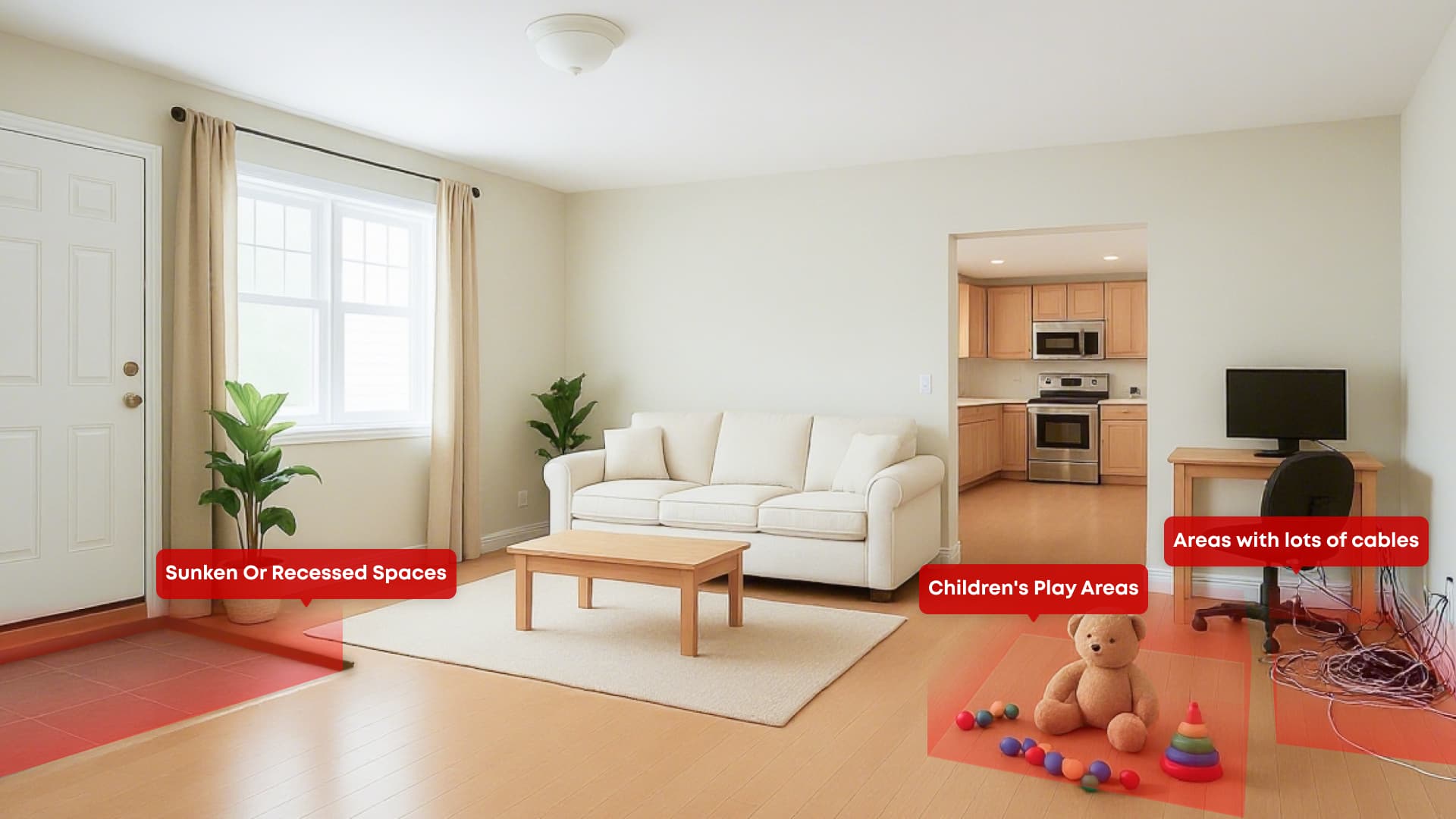
 How to set No-Go zones:
Open the app and go to Edit Map → No-Go Zones, and draw a border to add no-go or no-mop zones.


Try it Now:
Open your app, follow these steps, and get the most from your robot vacuum today.


